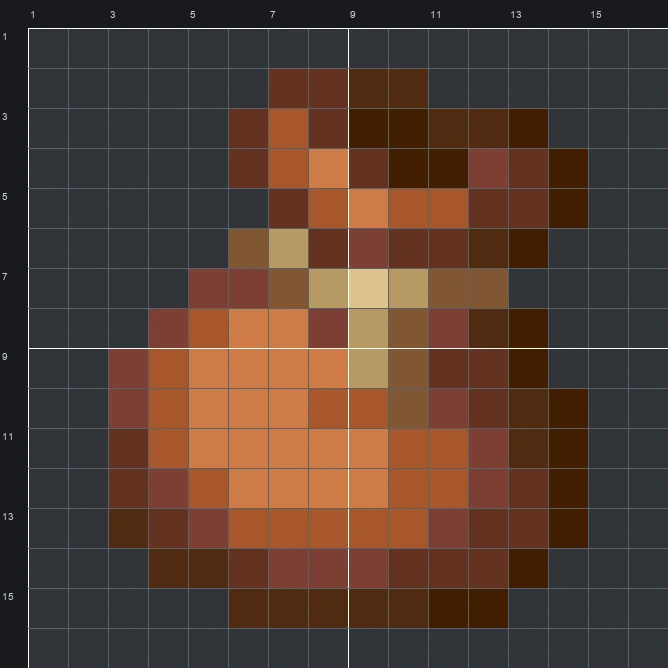
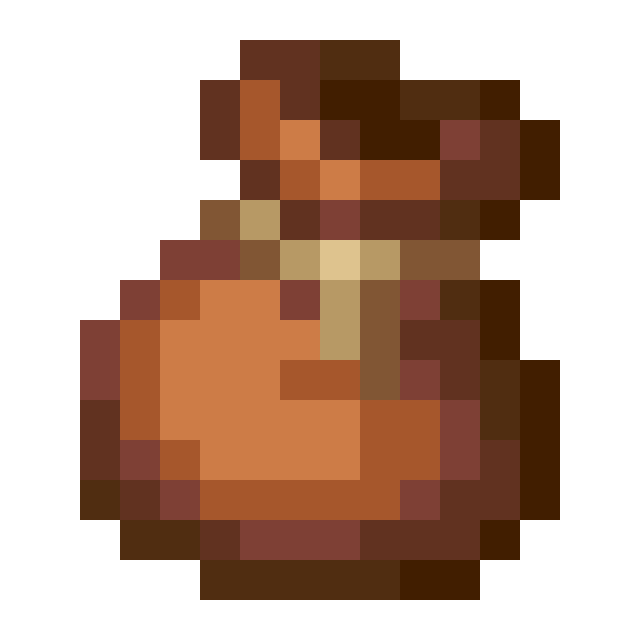
Build the Minecraft Bundle item pixel art block by block. Use our 16x16 grid, complete material list, and schematic to make this classic storage pouch.
The schematic works with WorldEdit and Litematica on Java 1.21 and newer, built upright and one block thick. The grid image has numbered rows and columns for building by hand.
131 blocks · 8 block types
 Brown Concrete42
 Orange Terracotta21
 Red Sandstone20
 Mangrove Planks18
 Dark Oak Planks17
 Brown Wool7
 Oak Planks5
 Birch Planks1
131 blocks · 4 block types
Brown Wool1051 stacks + 41 Orange Wool20
 Light Gray Wool5
 White Wool1
131 blocks · 5 block types
Brown Concrete841 stacks + 20 Red Concrete21
 Orange Concrete20
 Light Gray Concrete5
 White Concrete1
The Bundle sprite shows a plump leather pouch tied near the neck with a light tan drawstring whose loose end hangs down the front. In the game, players use this handy sack to pack different stackable items together inside a single inventory slot. Across the 9 colours in the original sprite, warm orange-brown tones round out the sunlit left belly while deep browns form the shaded right side and ruffled top opening.
Fitting inside a compact 16 wide by 16 tall grid, the mixed block version uses 131 blocks across 8 block types. Its clear sack silhouette and warm earthy palette make it a natural marker to hang above a storage hall, sorting room, or trading post.
 More Item Pixel Art
 Bucket16×16 · 146 blocks
 Buried Ancient City Map16×16 · 228 blocks
 Brush16×16 · 90 blocks
 Buried Mineshaft Map16×16 · 228 blocks
 Brown Harness16×16 · 163 blocks
 Buried Treasure Map16×16 · 223 blocks
 Brown Egg16×16 · 90 blocks
 Buried Trial Chambers Map16×16 · 228 blocks
 Brown Dye16×16 · 150 blocks
 Burn Pottery Sherd16×16 · 157 blocks
 Brown Cushion16×16 · 104 blocks
 Brown Candle16×16 · 91 blocks