Build the Aztec Painting in Minecraft with our 16x16 pixel art template. Includes a step-by-step grid, full material list, and printable schematic.
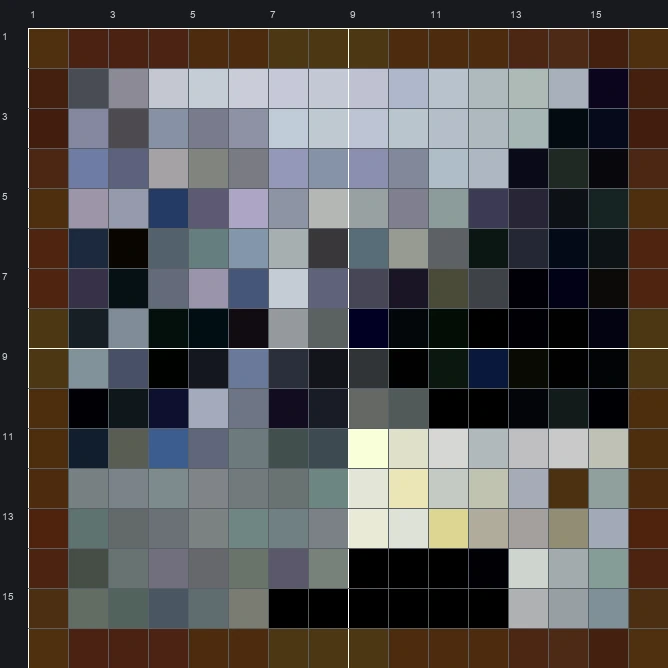
The schematic works with WorldEdit and Litematica on Java 1.21 and newer, built upright and one block thick. The grid image has numbered rows and columns for building by hand.
256 blocks · 32 block types
 Dark Oak Planks41
 Black Concrete29
 Brown Concrete20
 Clay17
 Light Blue Terracotta14
 Polished Diorite13
 Obsidian12
 Black Wool10
 Diorite9
 Smooth Stone9
 Cyan Terracotta9
 Polished Andesite8
 Stone7
 Coal Block7
 Tuff7
 White Concrete5
 Gray Concrete5
 Andesite4
 Blue Terracotta4
 Bone Block4
 Deepslate3
 Light Gray Wool3
 Gray Wool3
 Polished Deepslate3
 Cobblestone2
 Light Gray Concrete2
 Dried Kelp Block1
 Lapis Block1
 Iron Block1
 Sandstone1
 Calcite1
 End Stone1
256 blocks · 5 block types
Light Gray Wool711 stacks + 7 Brown Wool61Black Wool61Gray Wool35
 White Wool28
256 blocks · 6 block types
Light Gray Concrete63Brown Concrete61Black Concrete57White Concrete45Gray Concrete27 Light Blue Concrete3
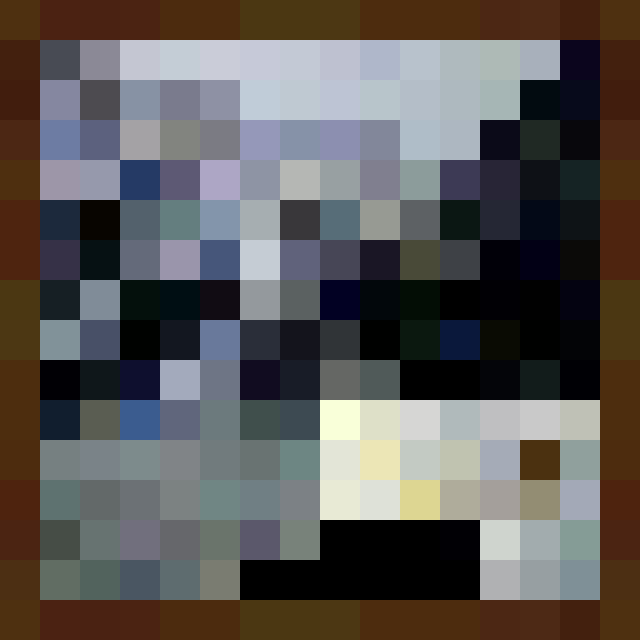
The Aztec Painting is one of the classic 16 wide by 16 tall decorative canvases from the Minecraft Paintings group. The image displays a bright stone structure or temple doorway in the bottom right corner, set against a dark, shadowy background of grey and blue rocky ruins under a pale sky. A wooden border frames the entire scene.
Even though the grid is only 256 blocks in total, the original sprite contains 200 distinct colours to create its moody shading. Our mixed block template translates those subtle gradients into 32 different block types, making it a compact project that brings classic game nostalgia to your base.
 More Minecraft Paintings
 Aztec 2 Painting16×16 · 256 blocks
 Backyard Painting48×64 · 3,072 blocks
 Baroque Painting32×32 · 1,024 blocks
 Alban Painting16×16 · 256 blocks
 Bomb Painting16×16 · 256 blocks
 Bouquet Painting48×48 · 2,304 blocks
 Burning Skull Painting64×64 · 4,096 blocks
 Bust Painting32×32 · 1,024 blocks
 Cavebird Painting48×48 · 2,304 blocks
 Changing Painting64×32 · 2,048 blocks
 Cotan Painting48×48 · 2,304 blocks
 Courbet Painting32×16 · 512 blocks